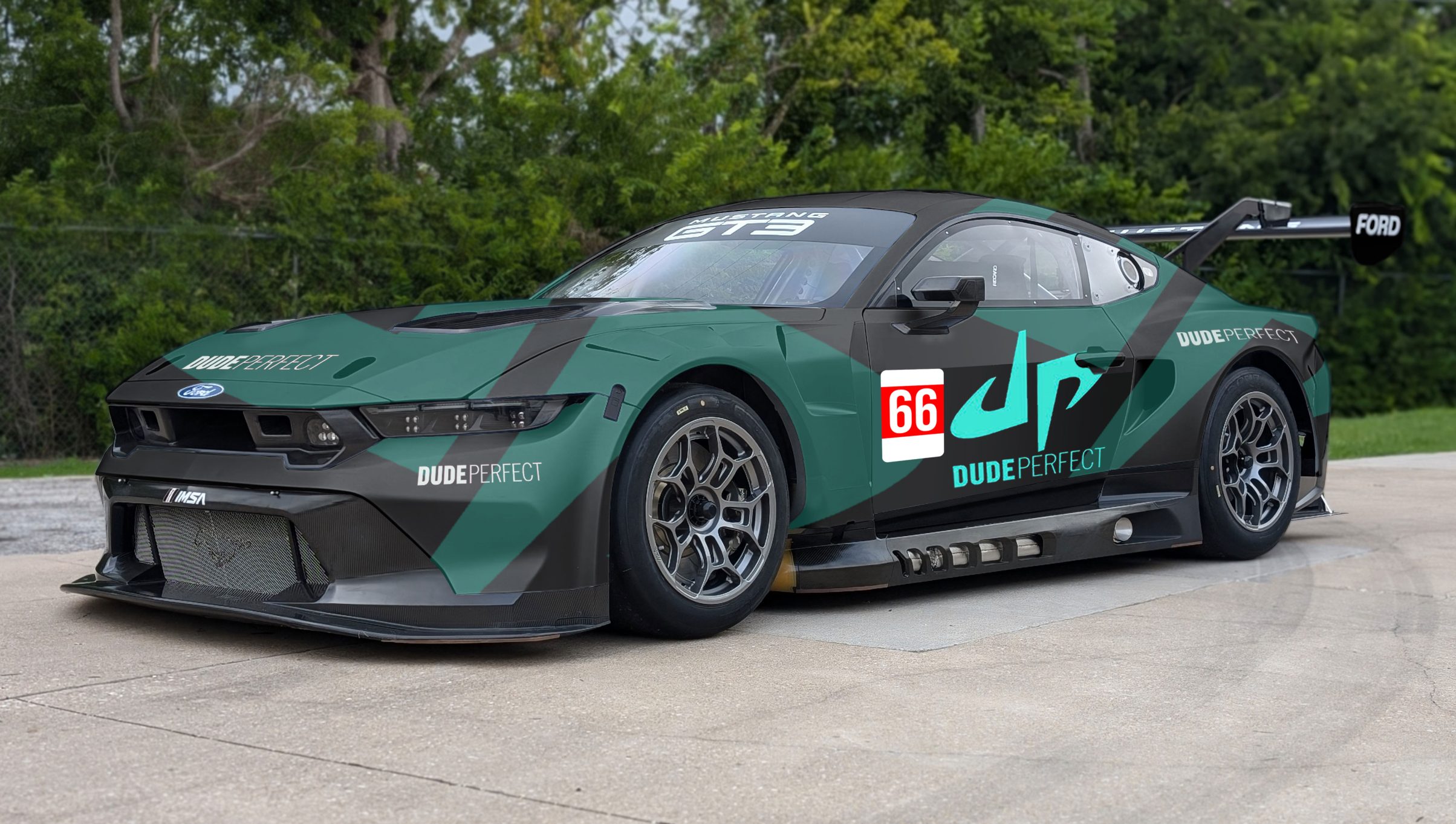
Dude Perfect – Scrubbing one Livery and Painting Another
Adding elements to images in Photoshop is tough. Removing them even more so. There are tools within the software that can automate the process. However, the results are highly dependent on the nature of both the foreground and background of the image. The end results can range from “perfect first time”, to “why am I doing this?”.
I felt instinctively that this was one of those jobs where I would be better off doing it by hand.
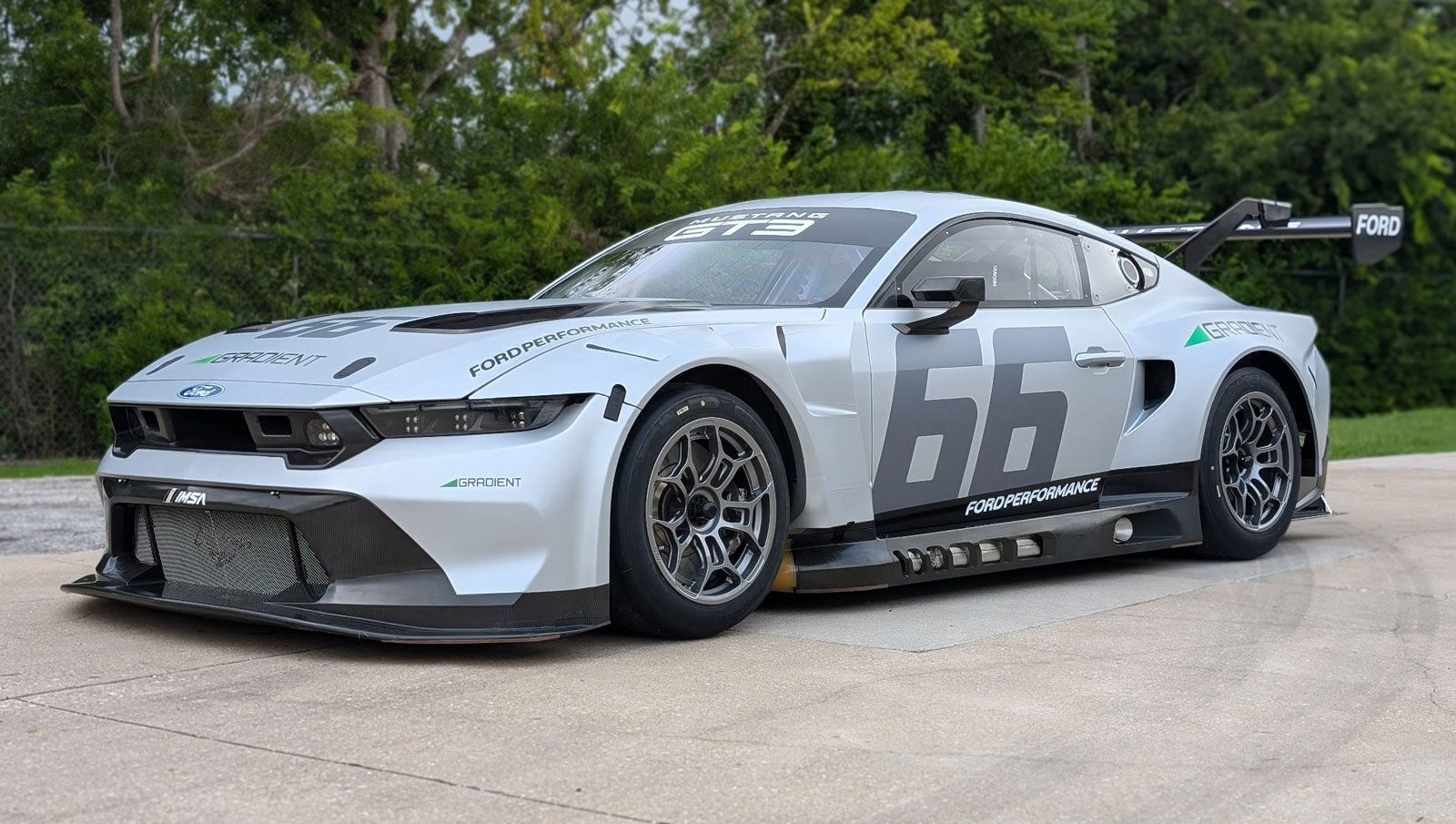
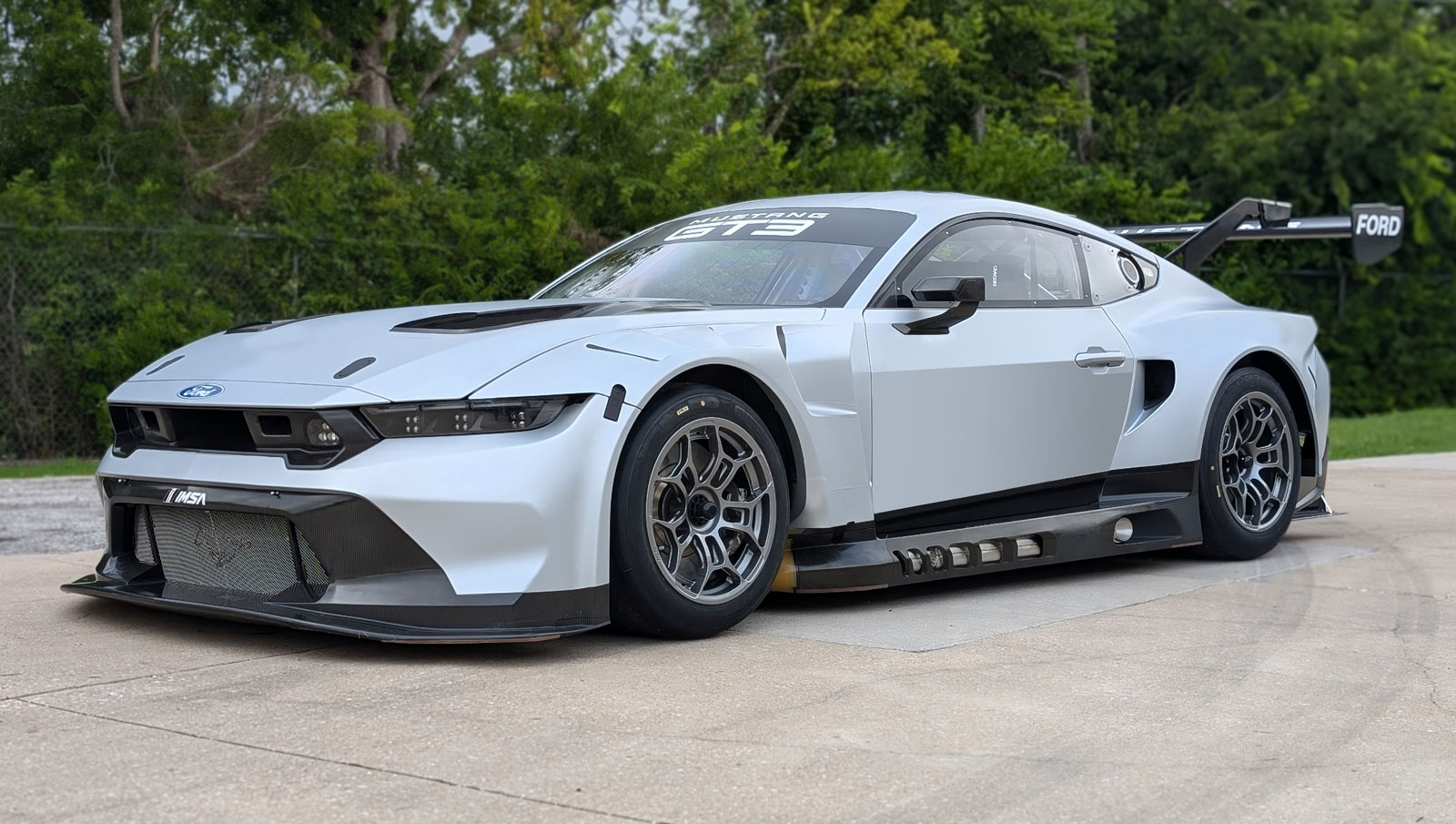
Striping out the elements was easy enough. The hardest part was the large 66 on the side door. In the end it was easier to create a gradient and mask it onto the door that to clone other part of the image, or airbrush it.
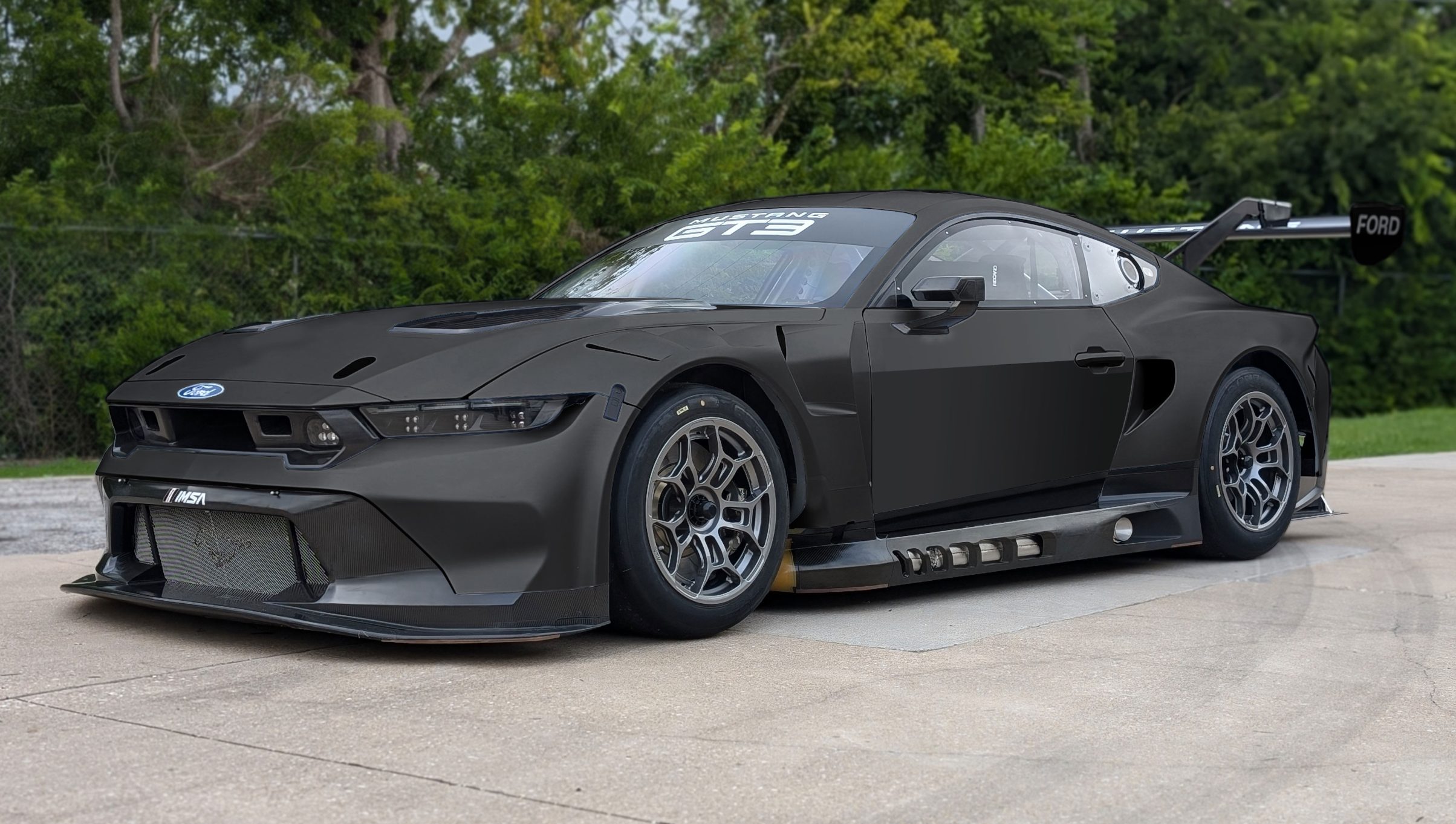
The hardest part was the most basic visual change. The dark grey colouring. It's very easier to lose tonal subtleties if you just dark selected portions of the image. I had to use several shadow and highlight overlays to retain a realistic livery base colour.
The huge DP overlays were somewhat easier in terms of shading, but they did require some manual distortion (which basically comes down to educated guesswork) to take them from 2D to Faux 3D.
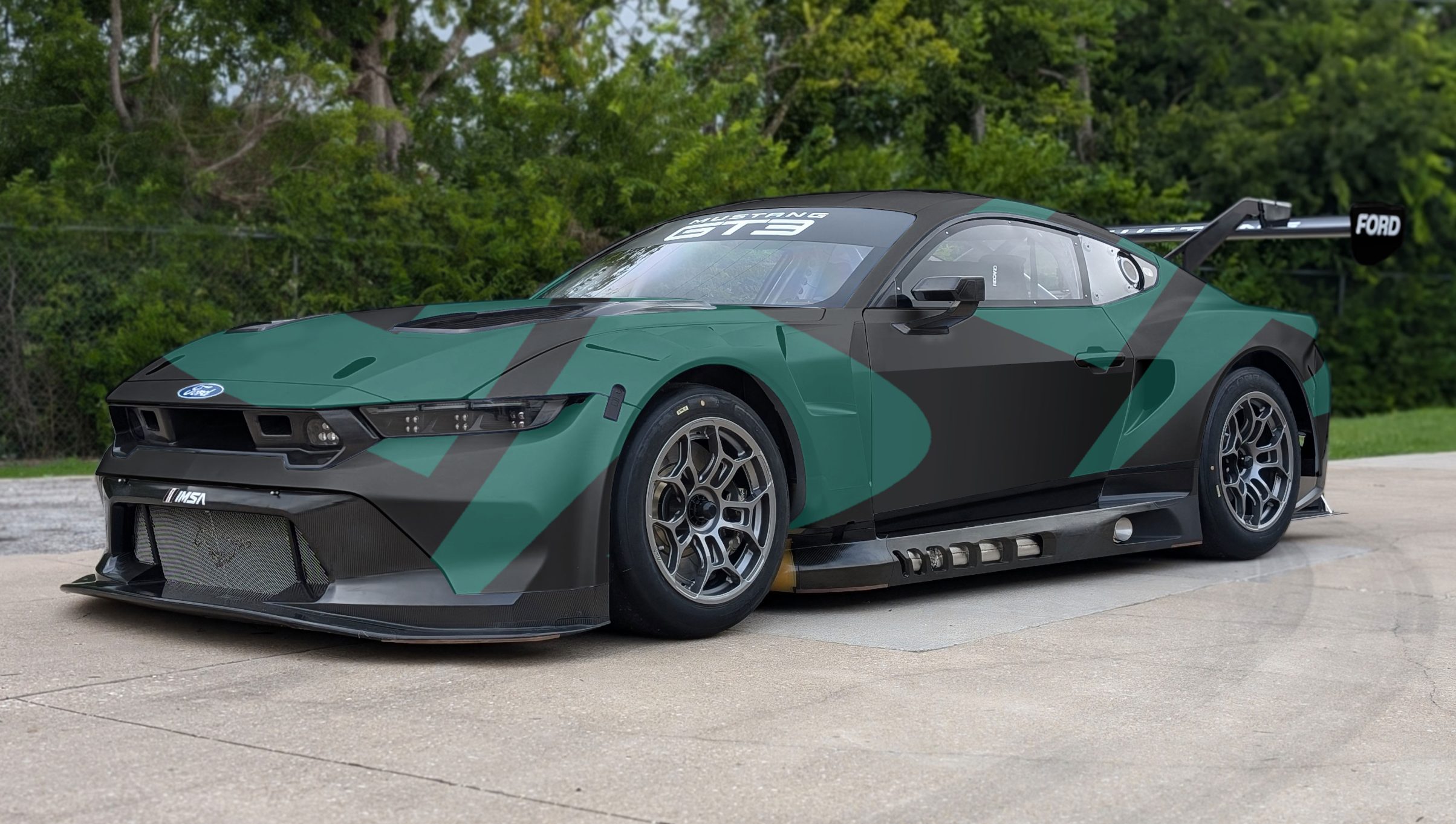
There just a few finishing touches which mainly involved adding branding to the car and rescuing the FORD logo which had been knocked into the bacground during some earlier colour grading.